One step.
A little home.
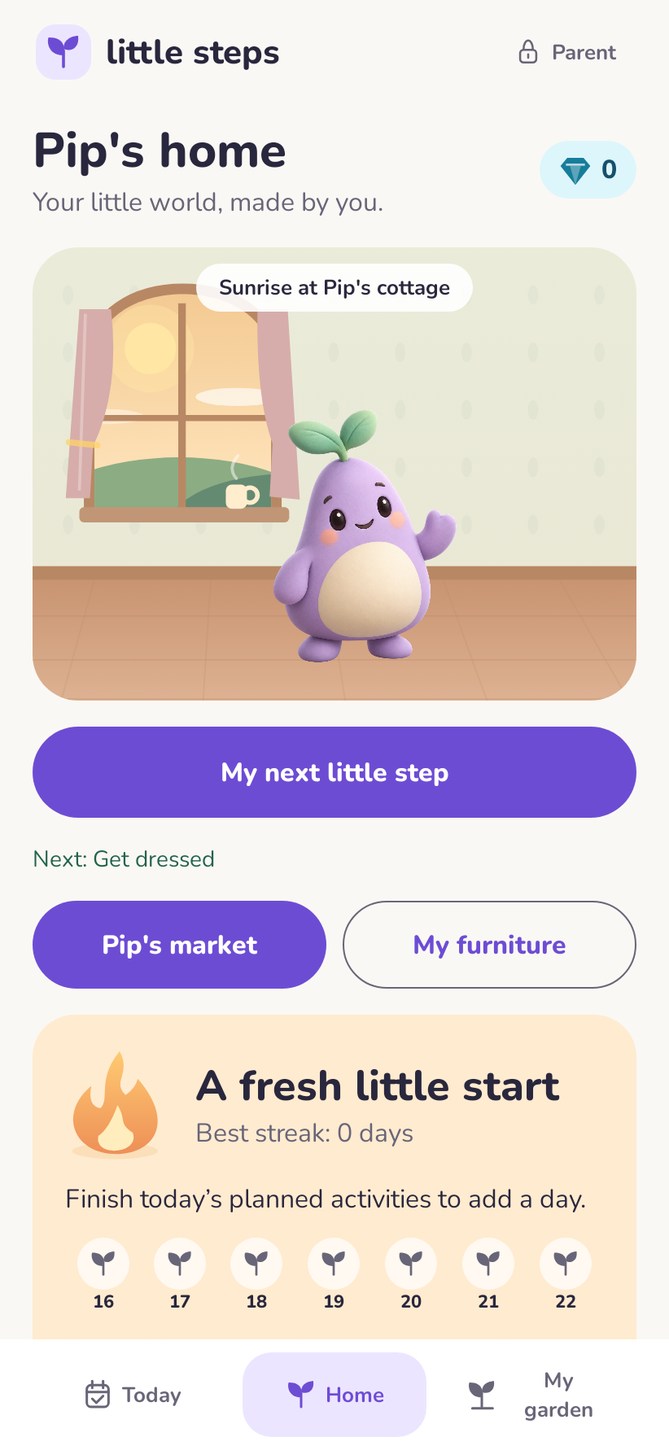
Meet lavender Pip, take one small step, and make a cozy room your own. Clear questions, gentle encouragement and parent-confirmed diamonds.
Test APK · approximately 73 MB · Android 8 or newer.
Update your existing test installation without uninstalling or clearing storage.
Tester guide · Google Play launch steps

Less explaining.
More one little step.
Three taps to meet Pip
The opening movie plays only on first use. Tap the egg three times and lavender Pip hatches. No colour or growing-day questionnaire.
Encouragement now
Each task check-in gets its own pending treasure. The task stays visible while a grown-up reviews it. Only confirmed diamonds can be spent.
A room, built by you
Start with a free plant, then save for furniture. Six collections, fixed prices and no expiring offers. Bought pieces remain placed.
A clear family promise
A parent can write their own reward and choose its diamond cost. It is not a five-day streak prize.
The child gets the day moment
The last planned activity brings a celebration in the child view. Adult review is still needed before diamonds become spendable.
Support without pressure
One current action, optional timers, tiny-step help and free breaks. No owned furniture or diamonds disappear after a missed day.
Tap. Crack.
Hello, Pip.
No colour mismatch with the existing films. No long goal form before you can begin.
Already have Pip? A grown-up can replay the hatching from Parent space → Profile. Your saved tasks and rewards remain.
Ready to try the new flow?
Phone testing and the Google Play closed test are separate. Our guide explains both, including how to avoid losing local data.
A question, a problem or an idea?
Adult testers and parents can send feedback. Every form creates a private ticket so we can track it and follow up.
Send tester feedback support@littlesteps.click
Please do not include children’s names, diagnoses, medical records or passwords. How feedback is handled.